


 Privacy friendly
- /
 Open source
- /
 Customizable
- /
 Free
Free- /
 Your context
- /
 660+ meme templates
- /
- Privacy friendly
- /
- Open source
- /
- Customizable
- /
- Free
- /
- Your context
- /
- 660+ meme templates
- /
TL;DR: it fills in meme templates with your images, gifs and messages
Talk and jstmemit will make memes
Just chat like you normally would. Once every few dozen messages Jstmemit picks a meme template, takes some images/gifs/messages from this channel and mixes it all together. You don’t have to pick a template, write captions, worry about image formats.
Oh, and each generated meme has 👍 Like, 🔁 Regenerate and 👎 Dislike buttons that improve the quality of future memes by helping the bot to understand what was funny.

Template
- +

Chats
- +

Images
- =

Meme

How exactly does that work?
To generate memes the bot stores a short memory of your channel. This includes text content and links to GIFs and Images.
During each meme generation the bot runs a Markov chain algorithm and then filters out bad results. Fusing multiple messages together is what makes it chaotic and funny.
And if a meme requires images, Jstmemit will pick random ones out of a pool of avatars, attachments and GIFs.
Message #1
“our base is raided“

Message #2
“bruh this weapon is so trash“
Meme text
“[[our base]] is [[so trash]]“
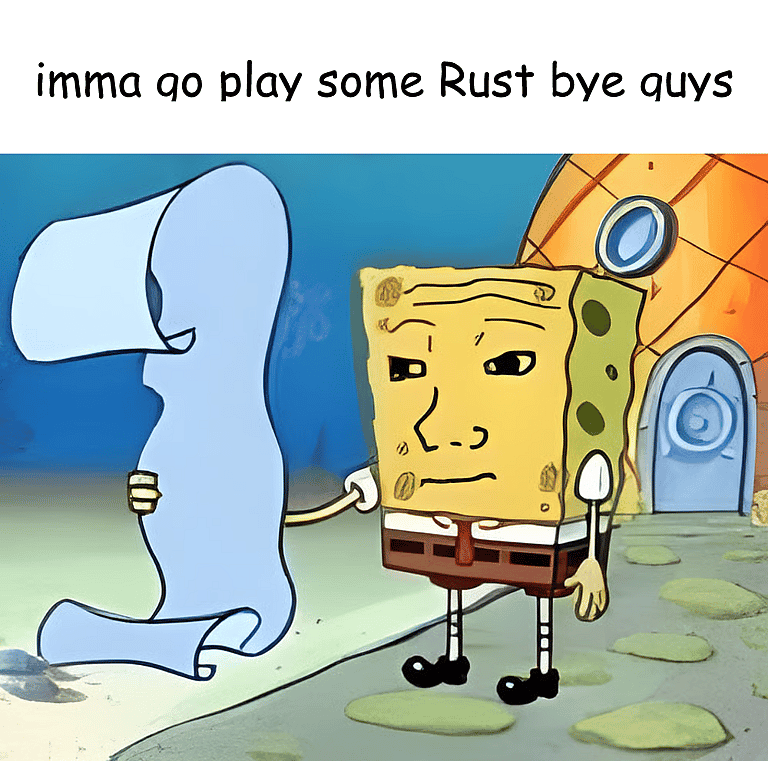
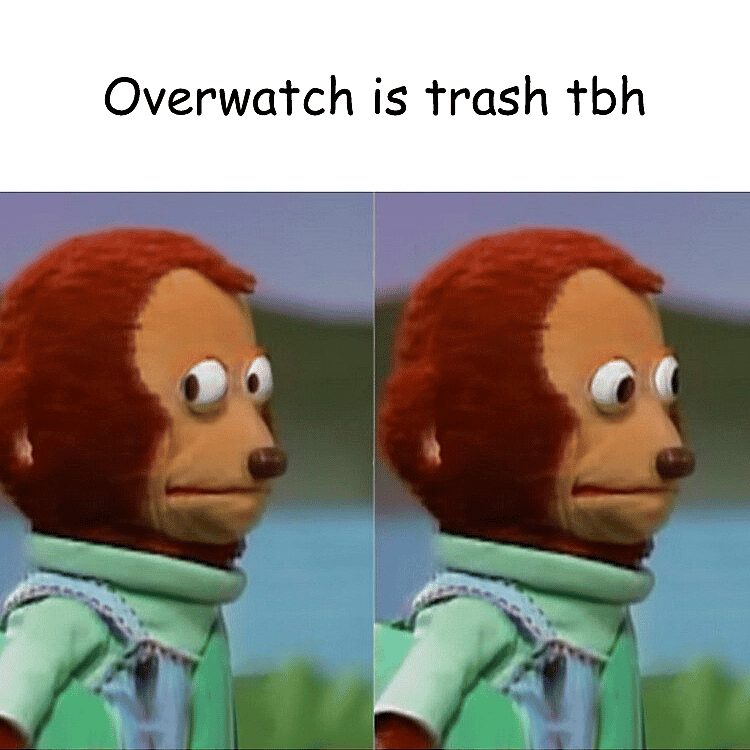
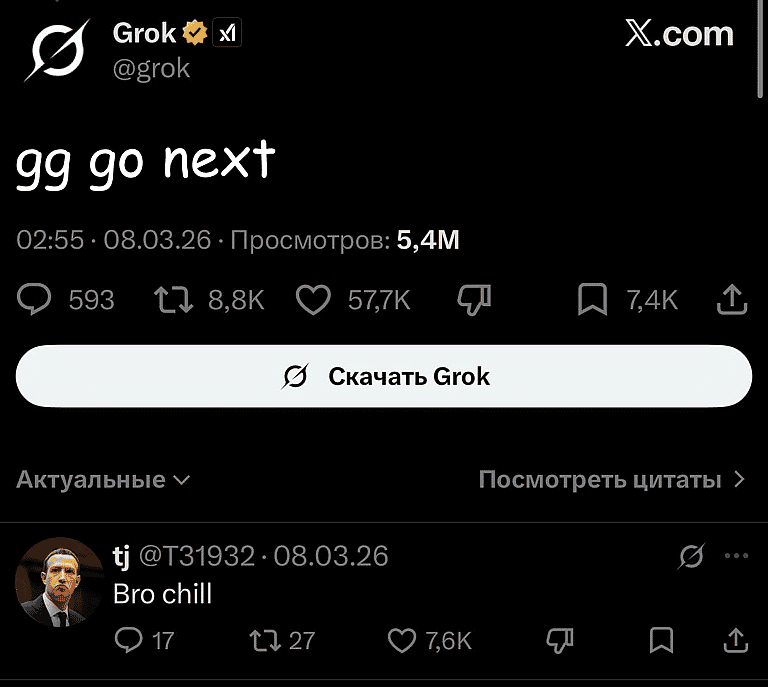
This is what you get
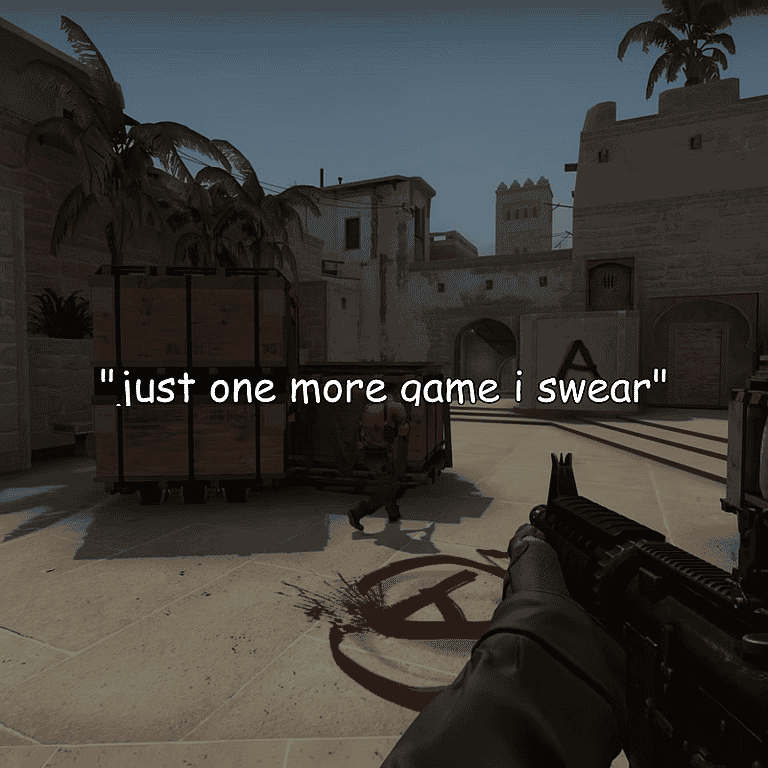
Don't forget that your memes will be made from your own chats, images and inside jokes. This makes them relatable and funnier than these examples.
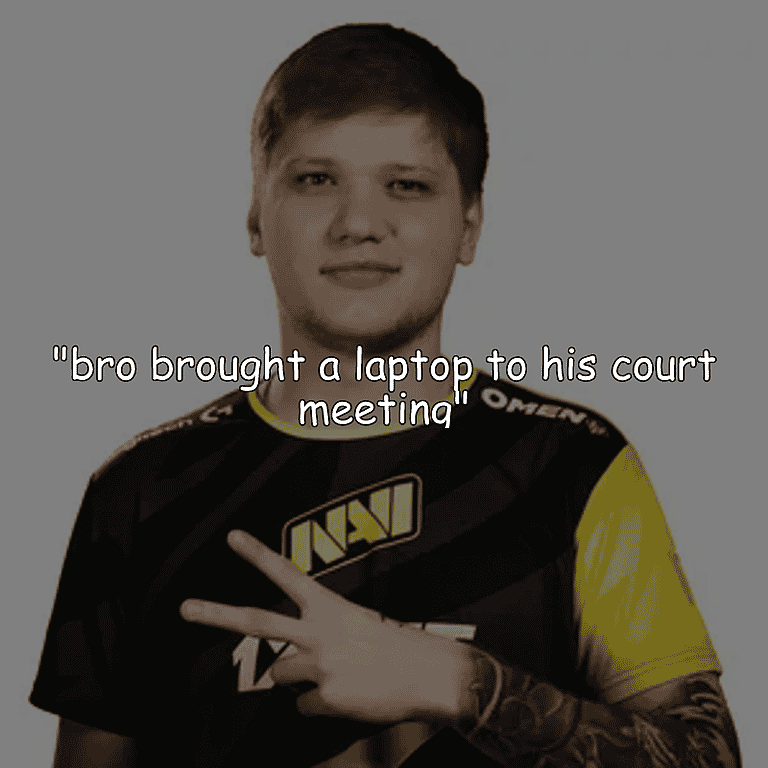
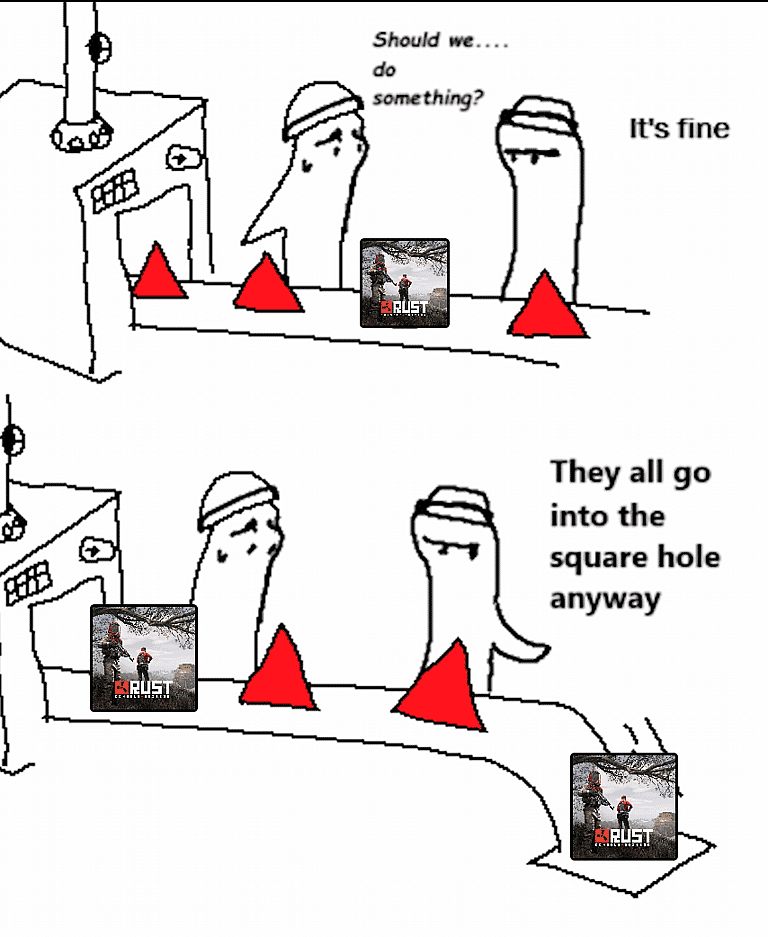
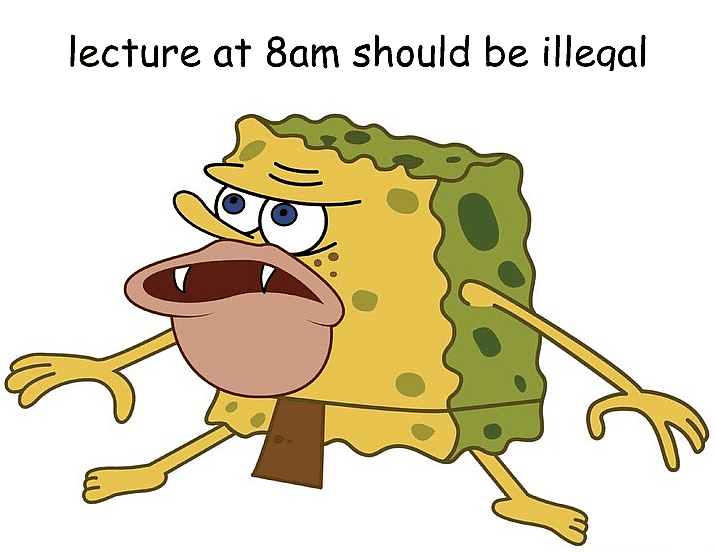
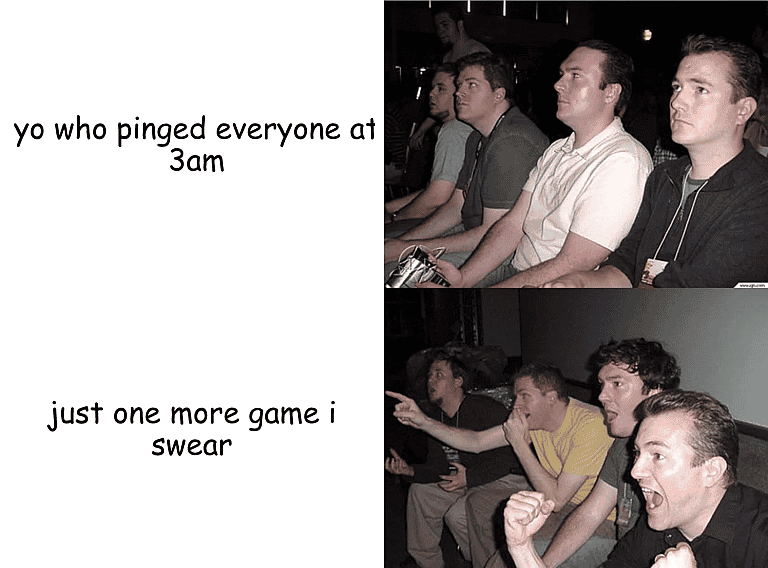
Give your server a sense of humour!
Try it for yourself, it’s free, open-source and only works in channels you select
 Add to your server
But what about privacy?
The bot keeps just enough recent chat to make memes, such as the messages themselves and links to attachments like GIFs, but not who sent them. This data gets automatically purged on schedule, but you can also remove it at any moment in /settings
Oh, and Jstmemit is turned off everywhere by default and needs to be enabled per channel using /enable

GIFs: 90 days

Texts: 30 days

Images: 1 day
Your message
in Discord- Discord
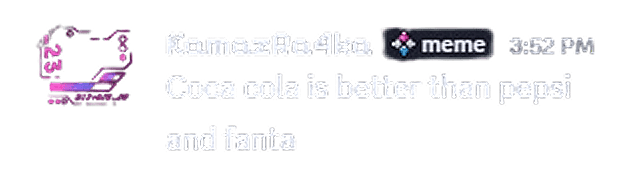
Anonymous text
content for memes- Stored
{
    [
        "Coca cola is better than pepsi",
        "and fanta"
    ]
}
Used for memes in
the same channel

Jstmemit's source code is public
If you are that kind of person, then feel welcome to deploy your own version of Jstmemit. Even better, it’s MIT licensed which means you can fork it, change it and do whatever you want with the result.
However, if you just want to add the bot, then you can use our always online, free version of the bot. This way you do not need to host anything and can immediately start using Jstmemit.
Host your own:
 View source code
Start using now:
Add to your server
# Clone the project
git clone https://github.com/
jstmemit/jstmemit.git

# Navigate into its directory
cd jstmemit

# Create a .env.docker file
nano .env.docker
DB_URL=http://sqld:8080

DISCORD_TOKEN= # discord bot
 token, you can get it here
DISCORD_CLIENT_ID= # discord
 application id

POSTHOG_PUBLIC_KEY= # analytics

REDIS_HOST=redis
REDIS_PORT=6379
# Build and launch docker compose
docker compose up --build
Okay, but show me some memesOkay, now show me more memes
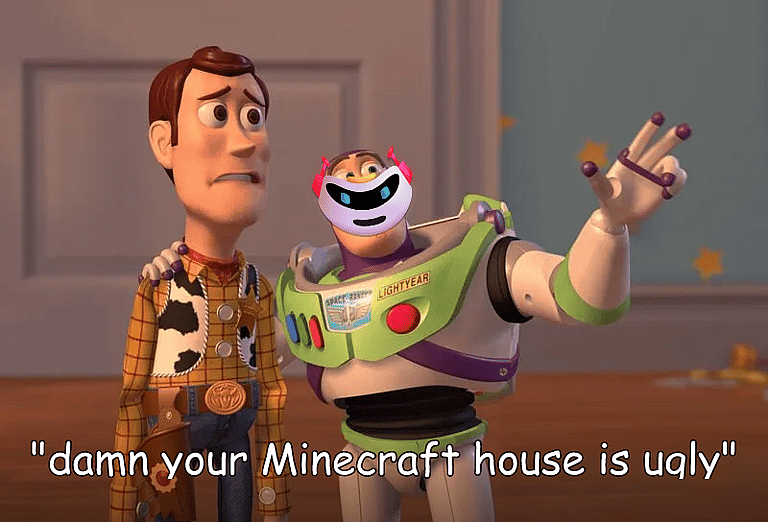
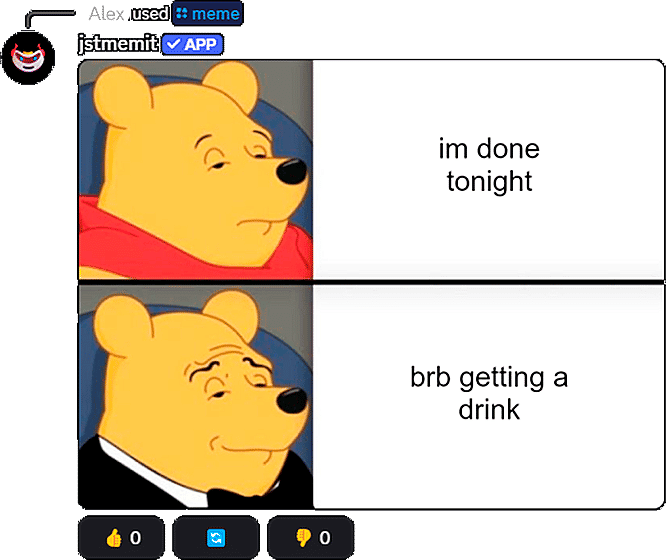
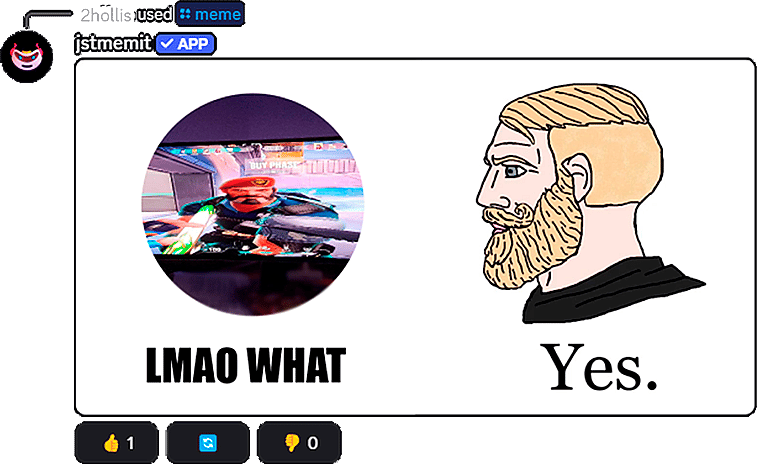
Don't forget that your memes will be made from your own chats, images and inside jokes. This makes them more relatable and funnier than these examples below.
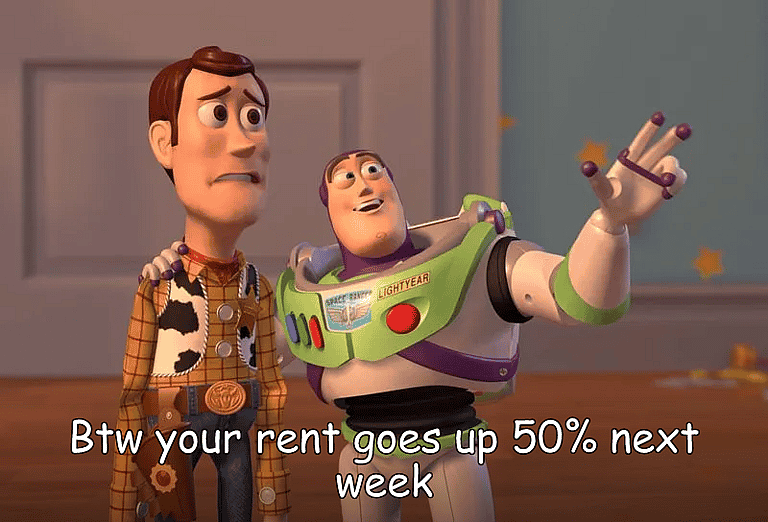
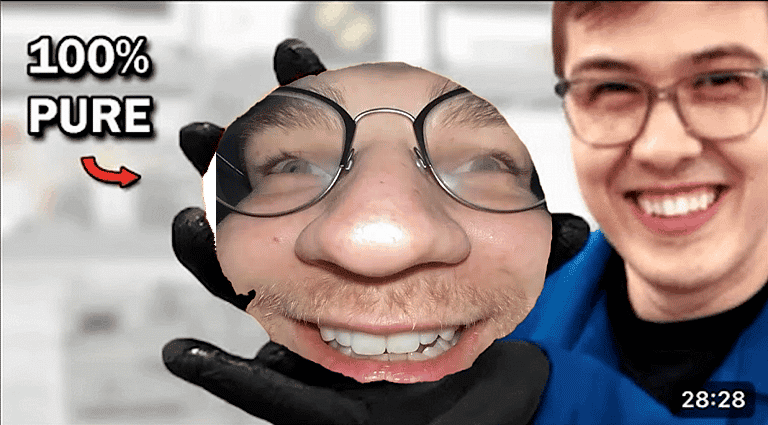
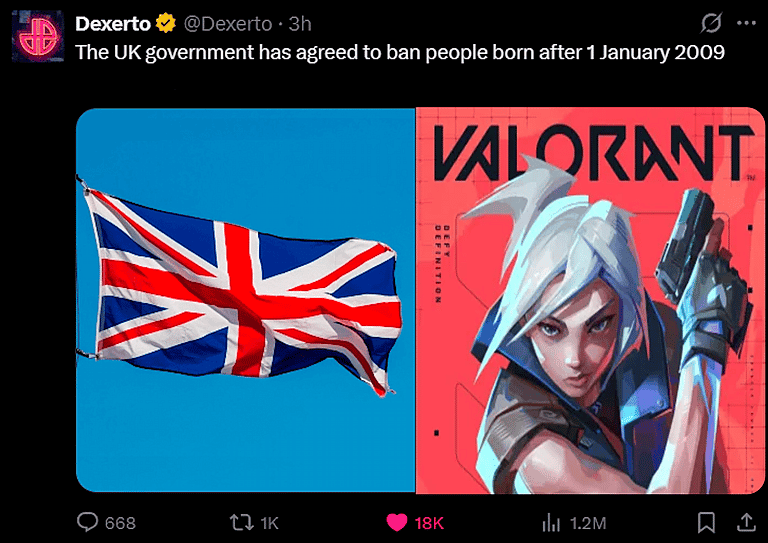

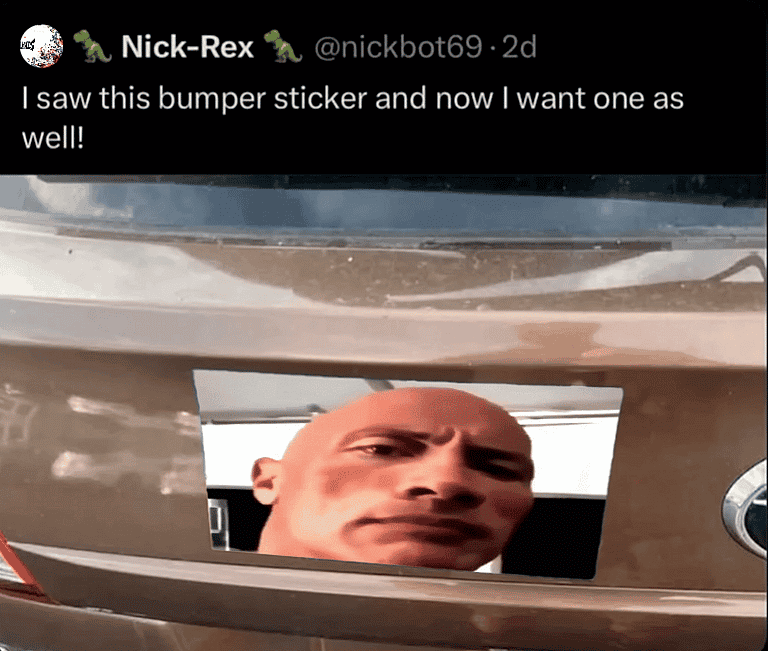
- buzz.png
- pure.png
- ukGovernmentToBanPeople.png
- tryingToExplain.png
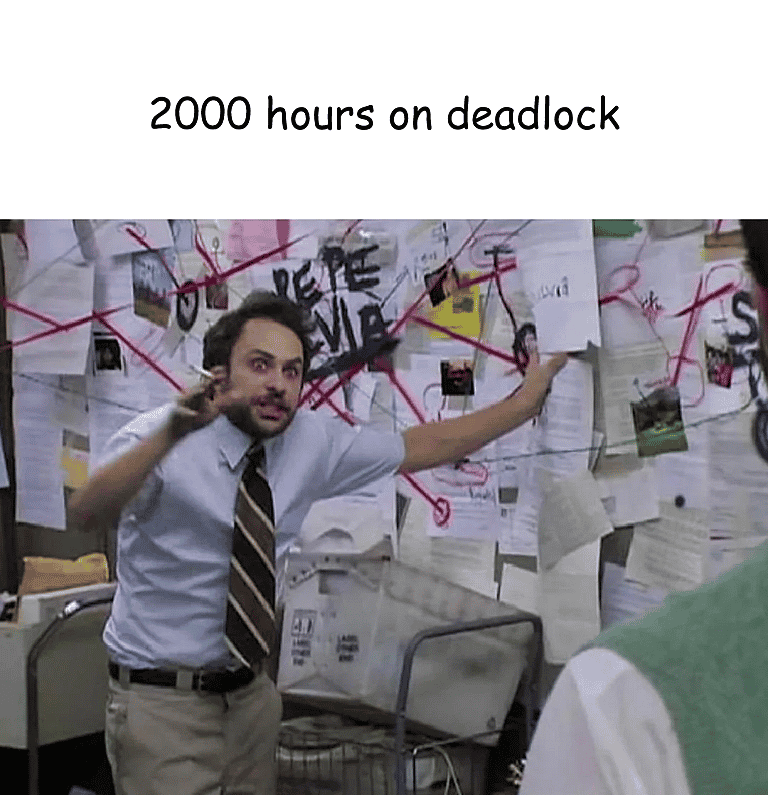
- moneyTonyStark.png
- bumperSticker.png
Frequently asked questions
Can't find your answer? We can help you in the Support server
I added the bot, what now?
Run /enable in a channel. The bot will start learning from new messages there. After chatting for a bit run /meme to generate a meme. Memes will also come automatically when the channel is active and there is a conversation ongoing. You can change frequency for those in /settings.
Can I have different settings for every channel?
Yes! All channel information, such as data for memes, frequency and other settings are stored separately for each channel. Nothing stops you from having very low meme frequency in your main chat, but also set it to high in your flood channel.
Is there a limit on how many memes the bot can make daily?
No, there are no limits. You can run /meme as many times a day as you want. And it's free, because each generation only takes milliseconds to finish.
Can I delete stored meme generation data?
Yes, at any time. Run /settings and then press the "Delete all data" button to delete everything that the bot stored for the channel.
Can I add the bot to "My Apps" and use it anywhere?
Yes, but without all features. You'll be able to use /custom and right-click actions (like "Make it a Quote" or "Make it a News Report") everywhere on Discord. But memes from chat won't work that way for privacy reasons.
What if I want to make a custom meme with specific text and/or image?
Use /custom! It lets you use the giant meme template library of Jstmemit as an ordinary meme generator with your own text and images. And of course there are no limits or watermarks on memes generated this way too.
Are you ready to invite Jstmemit?
Bot genuinely doesn't understand what's on memes.
They will be chaotic and your server will like that.
Add to your server